If you’d like to invite a team member to your Zeevou account to assist you with setting up, follow the steps below:
Log in to https://app.zeevou.com.
Click on the Gear icon on the top right.
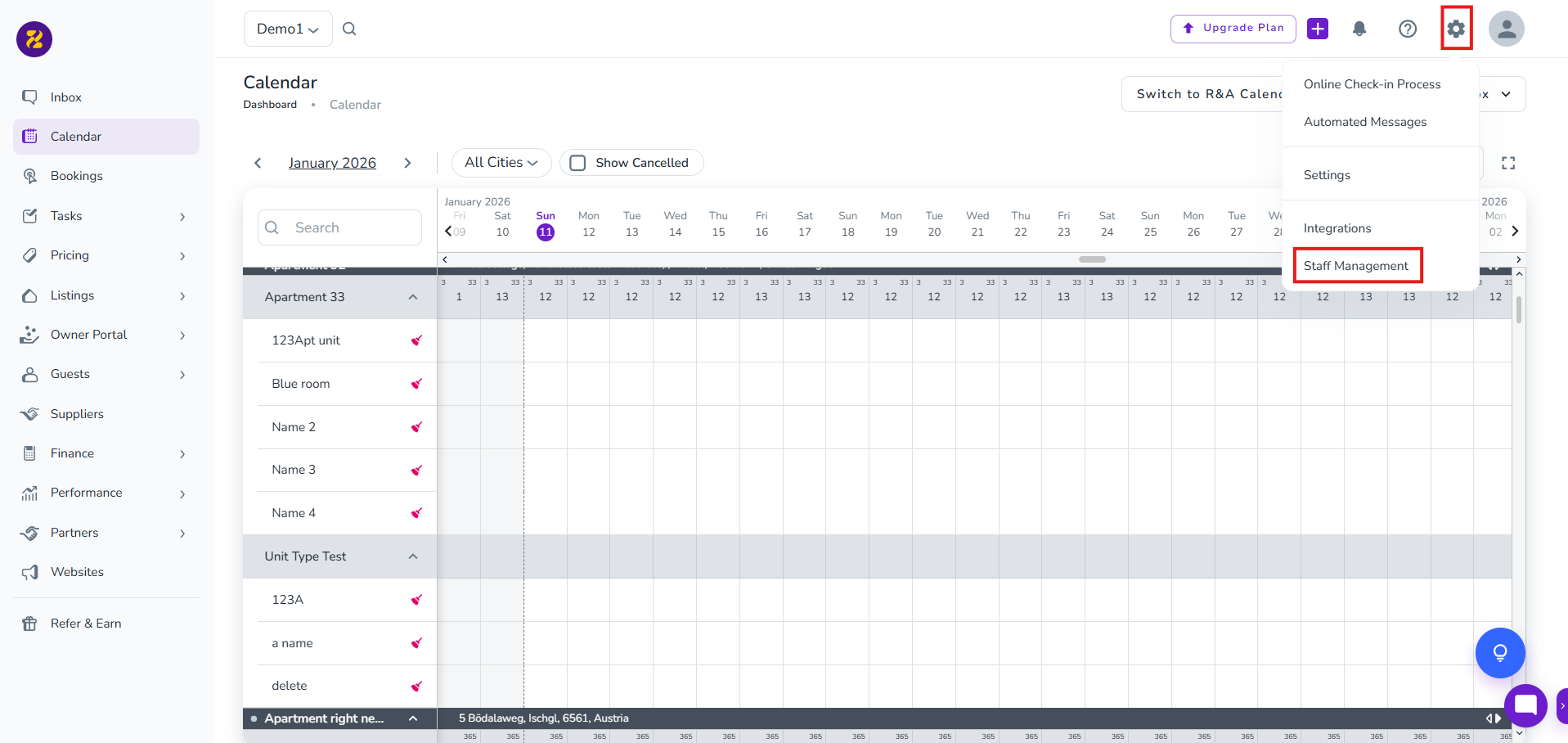
Select Staff Management.
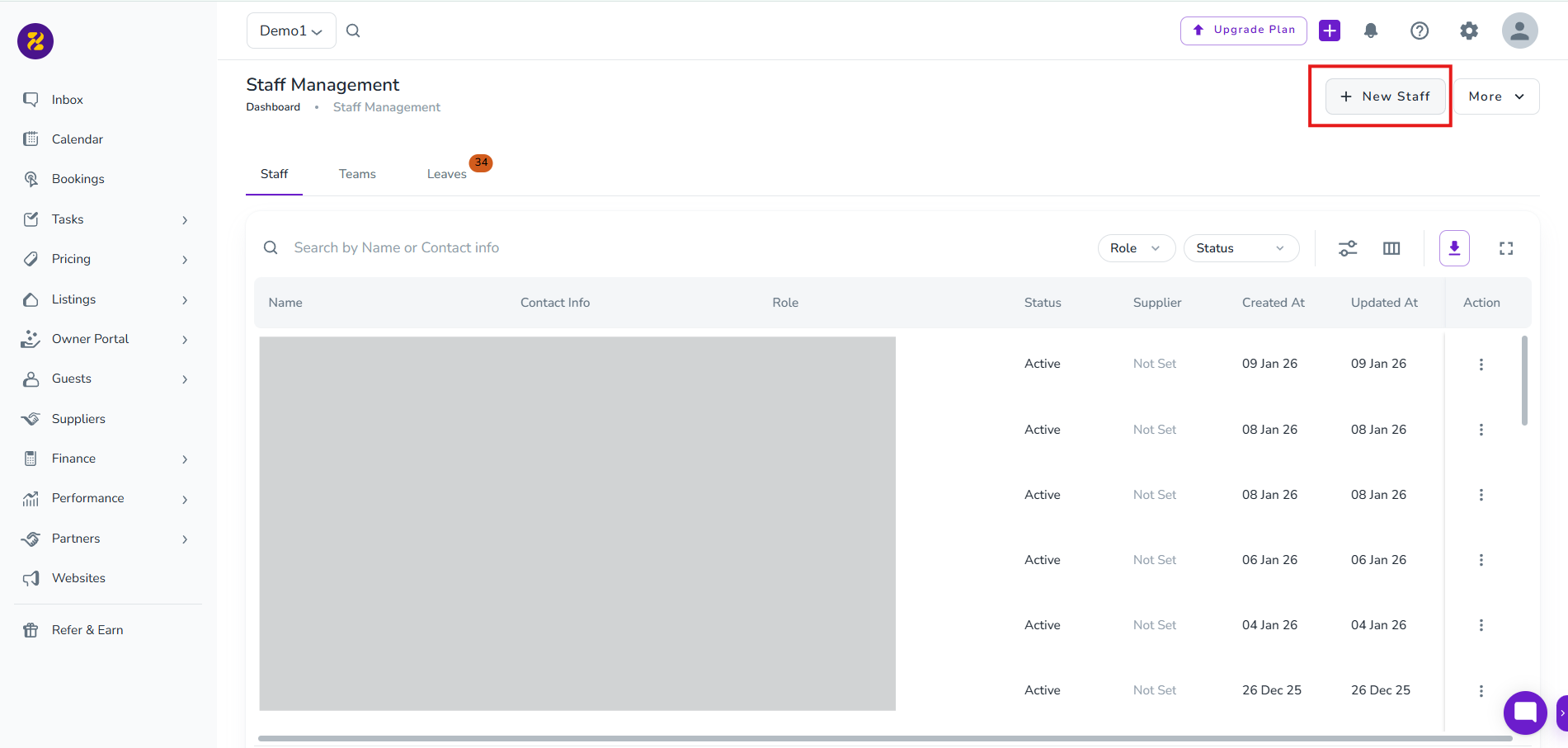
Click on New Staff.
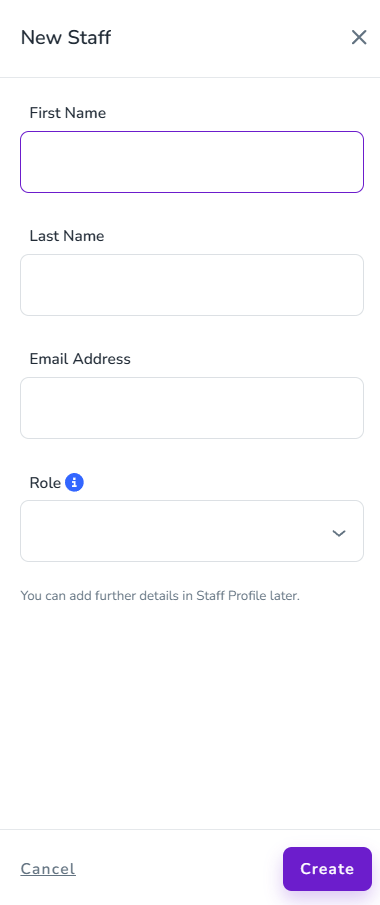
Fill in their details, select the Role as Host (to enable them to add Listings) and click Create. (For full details of the different roles and their access permissions, click here.)
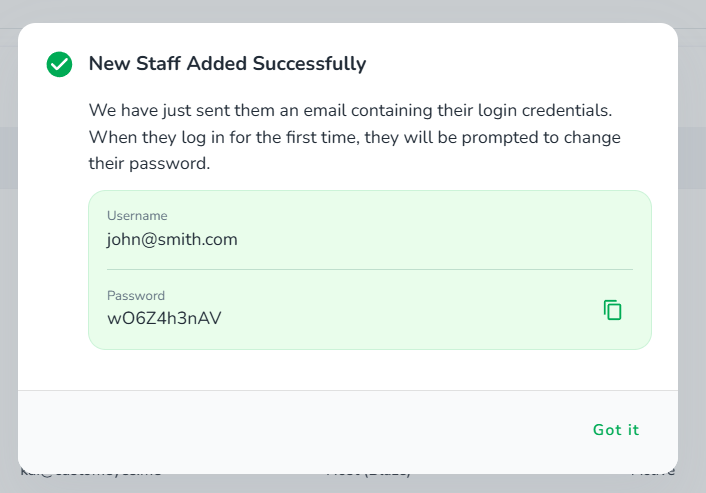
6. You will receive a confirmation with their login details, and these will also be emailed directly to the team member you hvae just added. They can now log in and help you with the rest of the setup.
To continue with the steps for Adding Your Listing(s), click here.
