Zeevou provides two types of calendar views: the Booking Calendar and the Rates & Availability Calendar. Although both are linked to the same system, you can switch between the two views depending on what you need to manage.
Each Zeevou calendar is designed for a different task:
The Booking Calendar provides a visual overview of your bookings and blocked dates.
You can use the Booking Calendar to:
View existing bookings
Search and filter bookings
Create new bookings
Create and manage blocked dates
View booking details
Perform booking actions
Change booking status
Watch this video tutorial for a detailed guide to setting up and managing your rates and availability:
Use the Rates & Availability Calendar to review and manage your property's rates, availability, and booking restrictions.
Log in to your Zeevou account.
Go to Calendar from the main menu.
Select Rates & Availability Calendar.
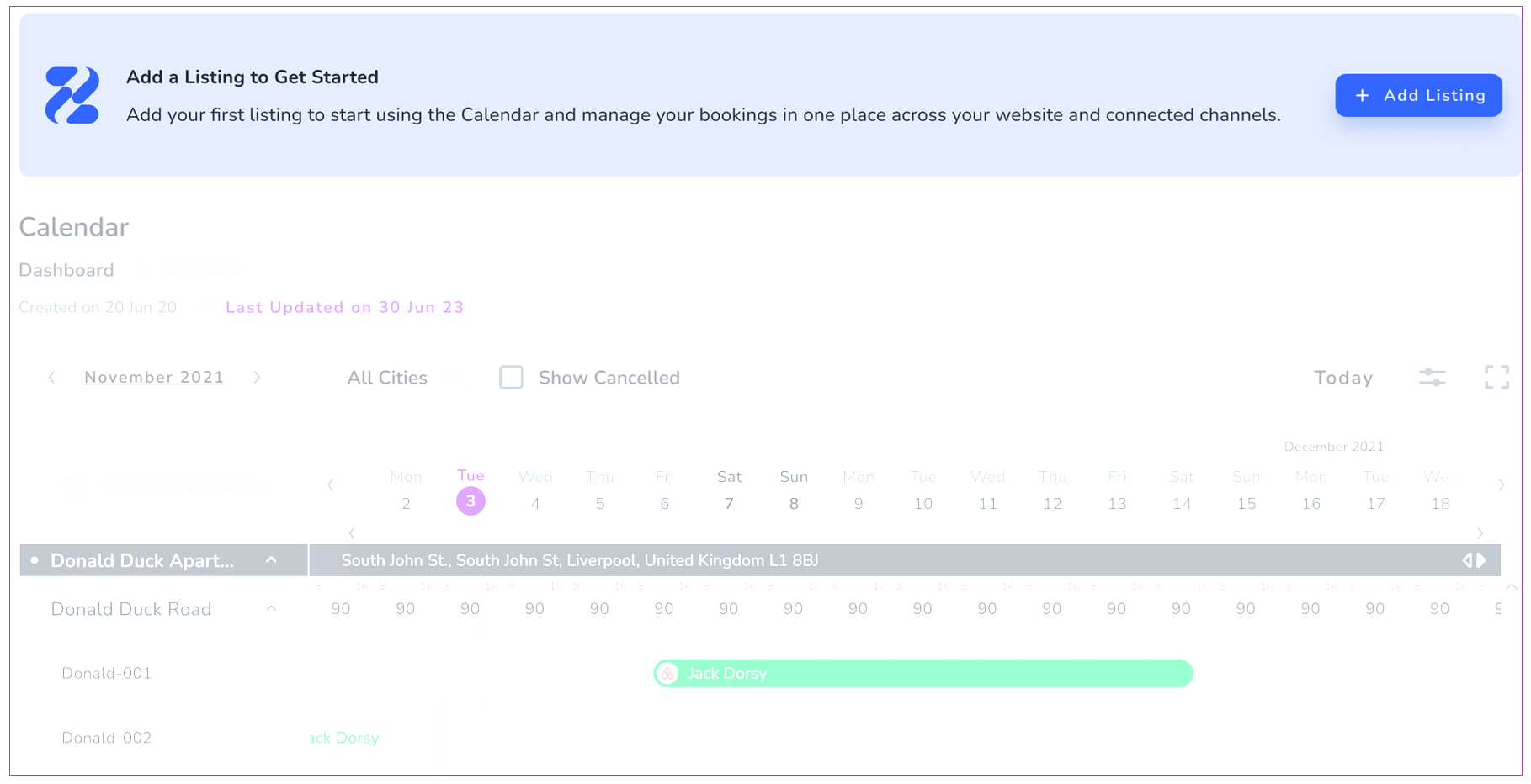
The calendar displays your properties, unit types, rate plans, rates, and availability.
Note: Only active listings appear in the calendar. If all your listings are in Draft or Archived status, you will see an informational banner to add your first listing instead.
Once you’ve reviewed how the calendar works, start setting up your prices.
Configure Your Pricing→
