To add or update your email signature in Zeevou:
Via Settings:
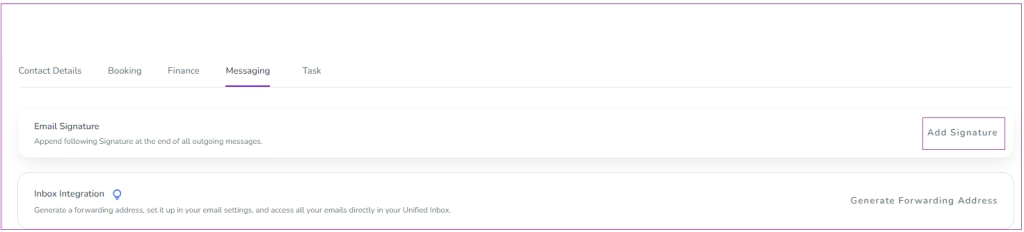
Go to Settings Dashboard → Messaging tab → Email Signature card.
Click Add Signature.
Via Automated Messages:
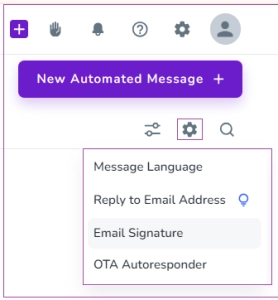
Go to Automated Messages Dashboard.
Click the gear icon and select Email Signature.
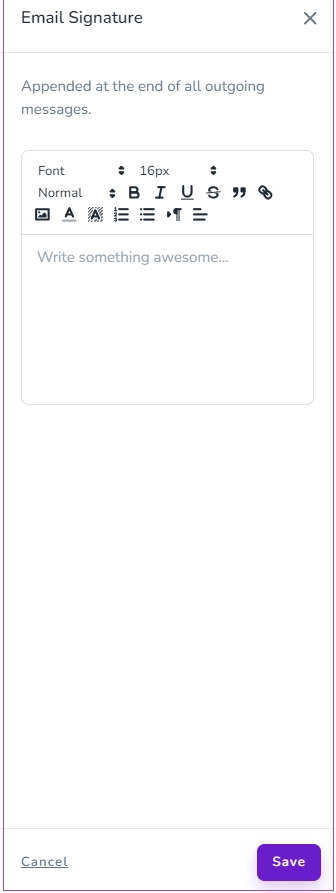
A drawer will open where you can enter your signature details. Click Save to apply.
Your signature will appear automatically at the bottom of all future Zeevou emails.
You can also set different signatures for different brands.
