
Follow these steps to connect your Zeevou account to LodgeBoost:
Go to Integrations in Zeevou.
Go to the Operations tab and open LodgeBoost.
Click Visit LodgeBoost Website. You will be redirected to the LodgeBoost website.
Log in to your LodgeBoost account and go to Connections → Channel Managers. Zeevou appears at the top of the “Automatic Guidebook Delivery” section.
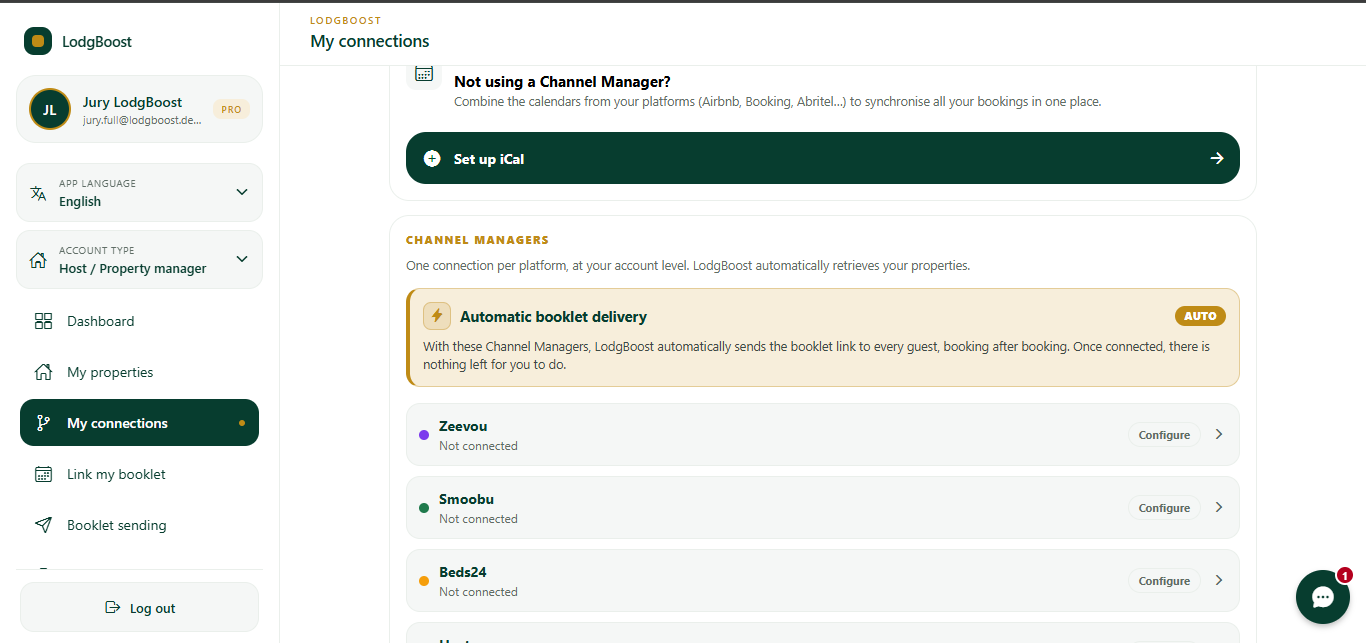
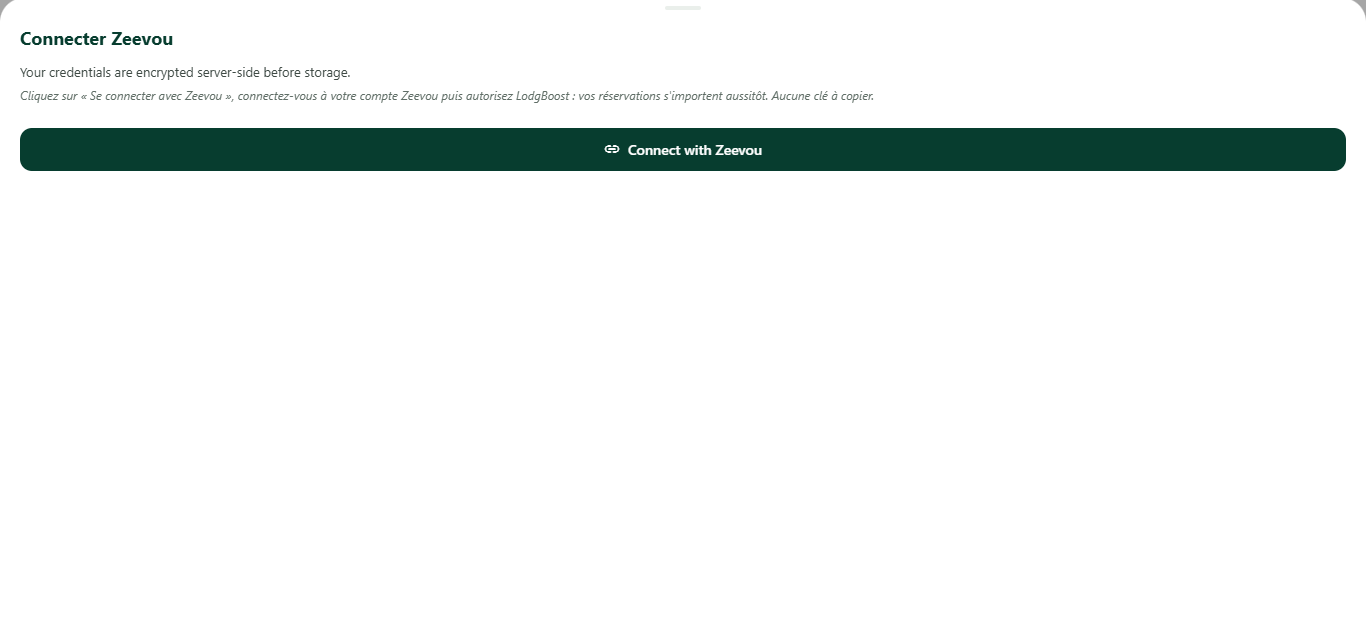
Click Connect with Zeevou.
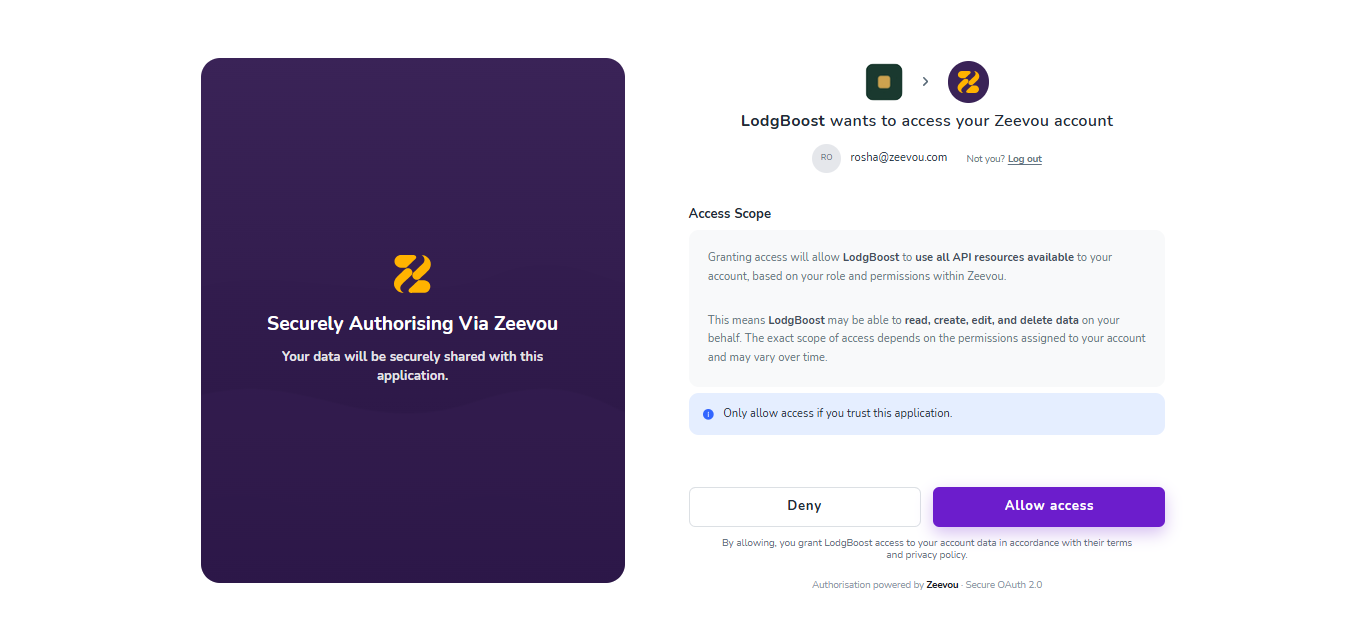
Log in to your Zeevou account.
Review the requested access permissions and click Allow access to authorize the connection.
What happens after connecting?
Once authorized, LodgeBoost securely links to your Zeevou account to manage automatic guidebook delivery and sync your properties smoothly.