Follow these steps to connect your Zeevou account to STRComply.ai:
Go to Integrations in Zeevou.
Open STRComply.ai.
Click Connect to STRComply.ai.
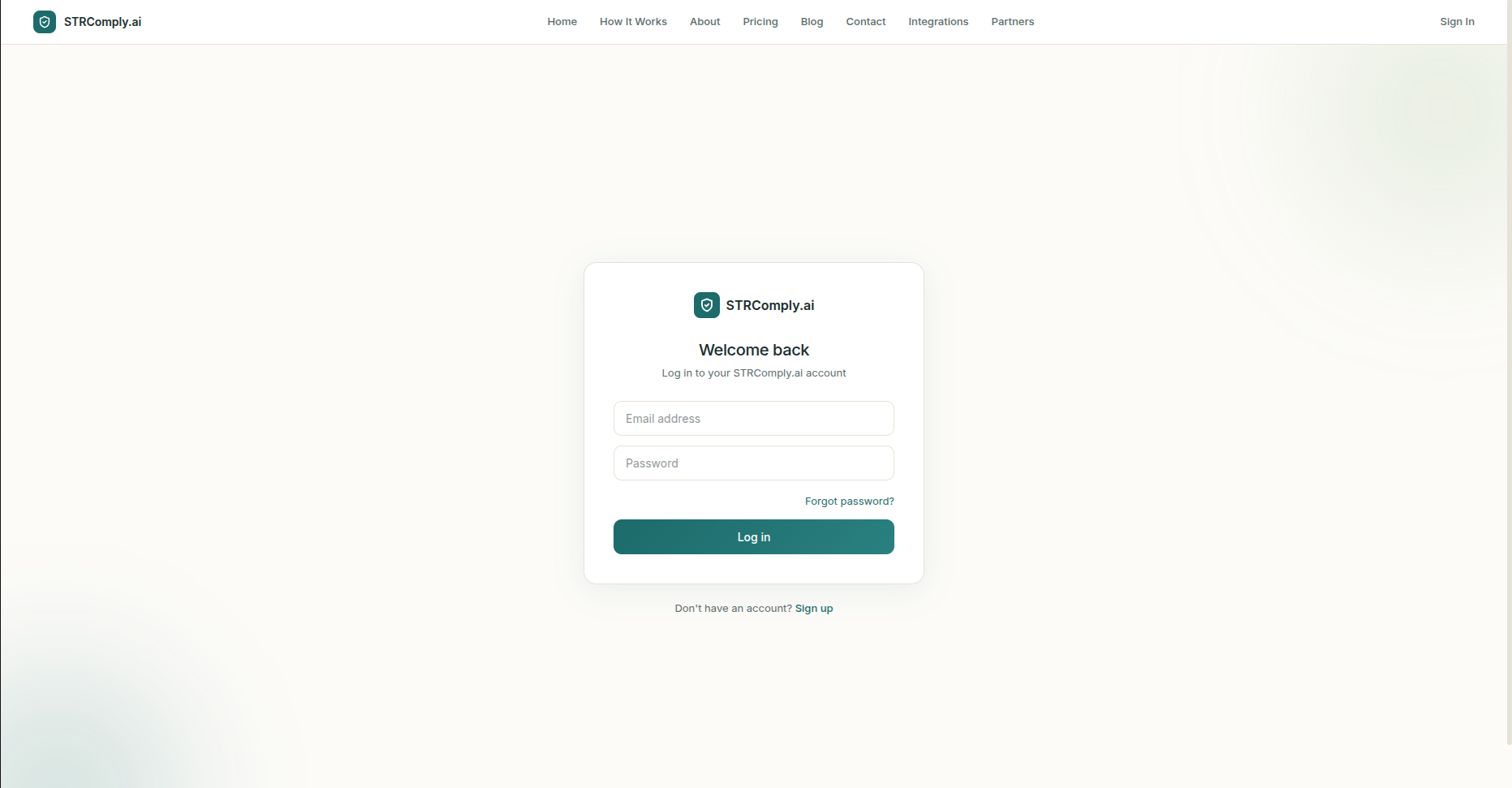
A new tab opens. Log in to your STRComply.ai account.
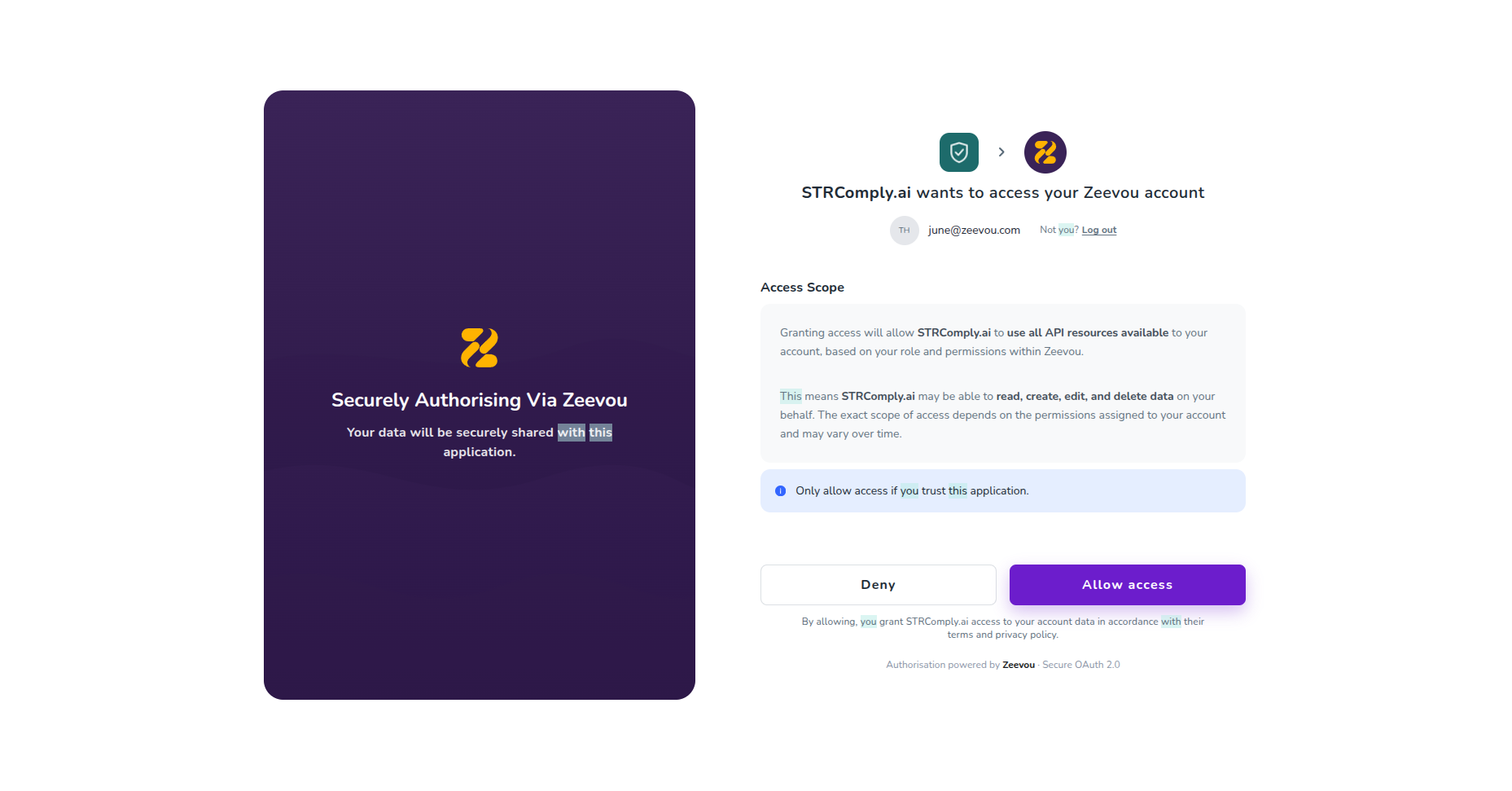
Review the requested access and approve the connection.
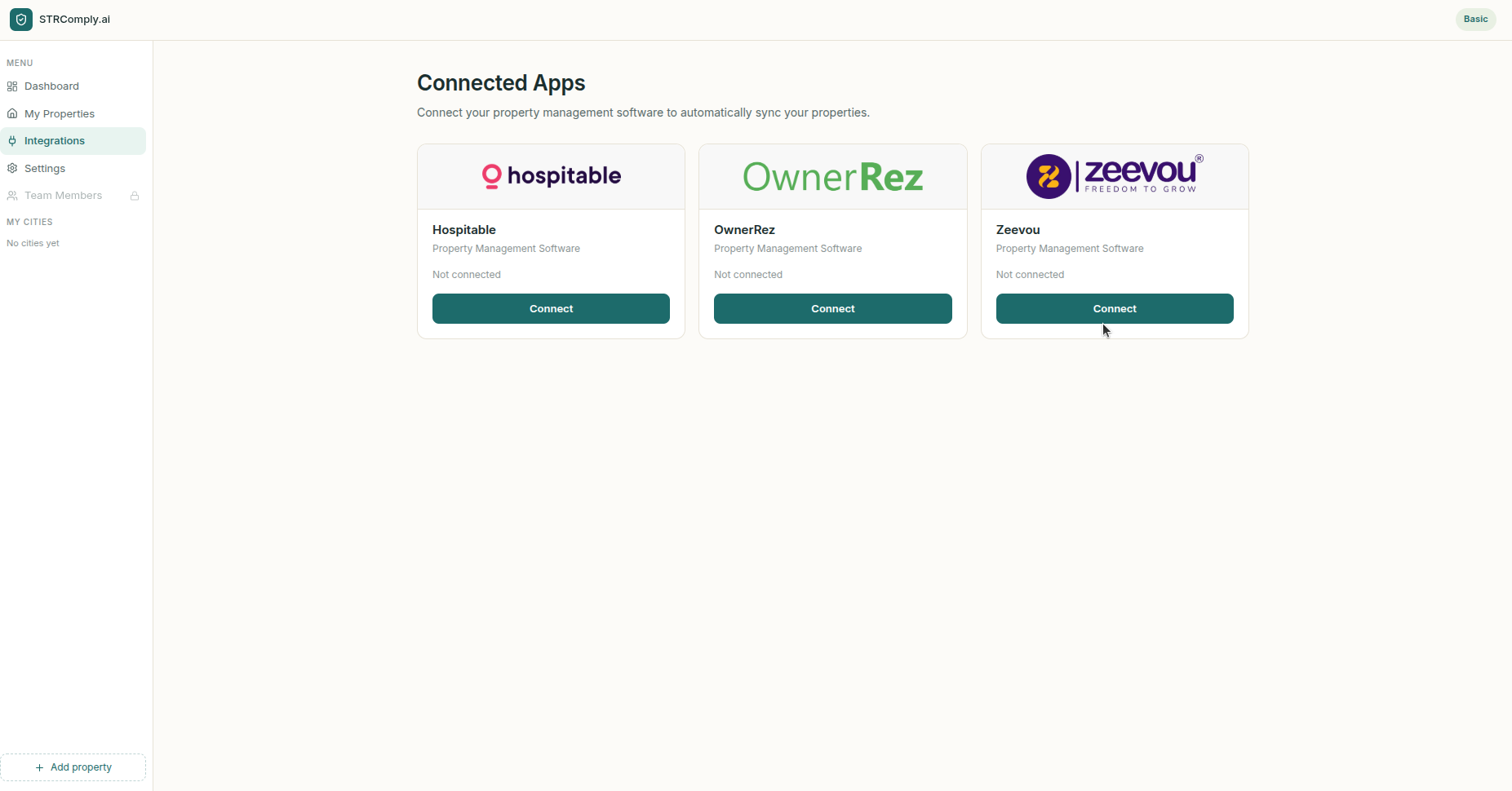
You’re redirected to STRComply.ai, where the connection is authorised.
STRComply.ai securely links to your Zeevou account and starts syncing your property and listing data.
Return to Zeevou and check that the integration status shows Connected.
Once connected, STRComply.ai can access your property and listing data to monitor compliance with local regulations. The connection uses OAuth authorisation to securely link your accounts.
