Our team is always at hand to assist.
Please note: We do not offer phone support – our phone line is purely for sales enquiries and our sales team cannot assist with support queries.
There are several ways to get help:
Our onboarding guide is located at support.zeevou.com – bookmark it for easy access to all our help articles. Click on the purple icon on the top left to expand the guide:
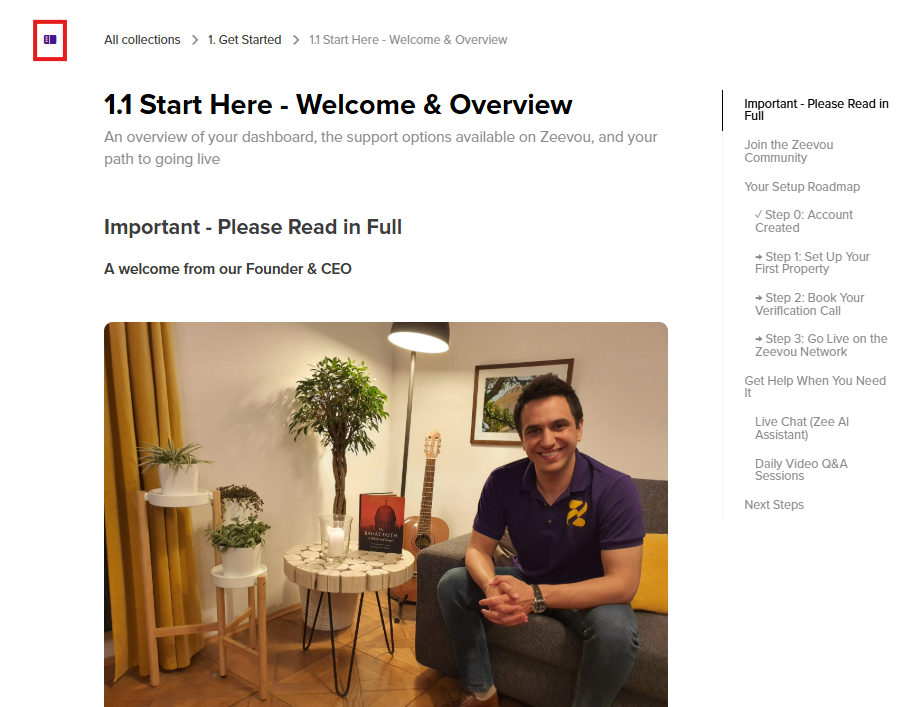
It contains detailed steps with photos and videos to help you get set up. Please do not skip any steps - follow them one by one to ensure your account gets fully set up and you don’t end up with any issues such as double bookings down the line.
Click on the purple icon in the bottom right-hand corner to access our live chat.
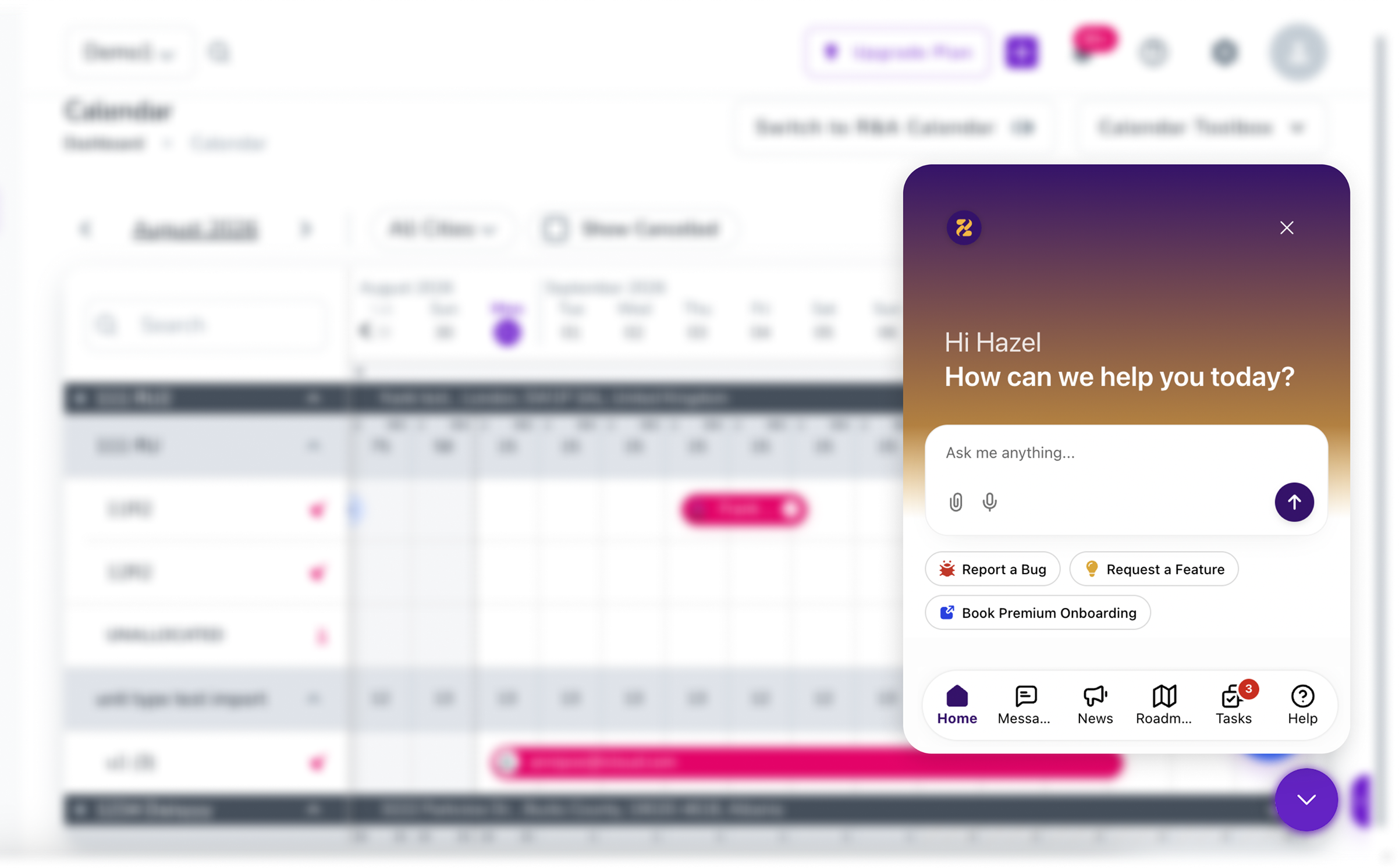
Our live chat is powered by Zee, our AI Assistant. Please give Zee a genuine chance to help you. If the initial answer isn't clear enough, explain why it hasn't resolved your specific case and continue the conversation by explaining what else you require assistance with/why the explanation doesn’t resolve your issue. If Zee is unable to help, it will escalate you to a human.
Explaining the issue to Zee fully and giving it a chance to assist allows our support team to focus on enquiries that genuinely require human intervention, enabling us to resolve all queries as efficiently as possible.
Note: If you can’t see the chat bubble click on the purple show/hide icon on the bottom right to open the chat bot.
If you prefer to set up your account with the assistance of a Zeevou specialist, a 3-session bundle should cover the full set-up guidance, unless you have very specific requirements, in which case you can purchase additional sessions down the line. You can also book a single session or 2-session bundle if you only require some limited assistance as you go along with self-onboarding.
You may book sessions throughout your time at Zeevou for ongoing support following onboarding, as and when required.
Should you ever need to contact us by email, you can do so by emailing [email protected].
