Steps to find all unpaid bookings in Zeevou
1. Open the Booking Dashboard and click View All Bookings.
2. Click + Add View and select + New View.
3. In the drawer, click Booking Payment Status, choose Unpaid, and click Proceed.
4. Name your view and select Create.
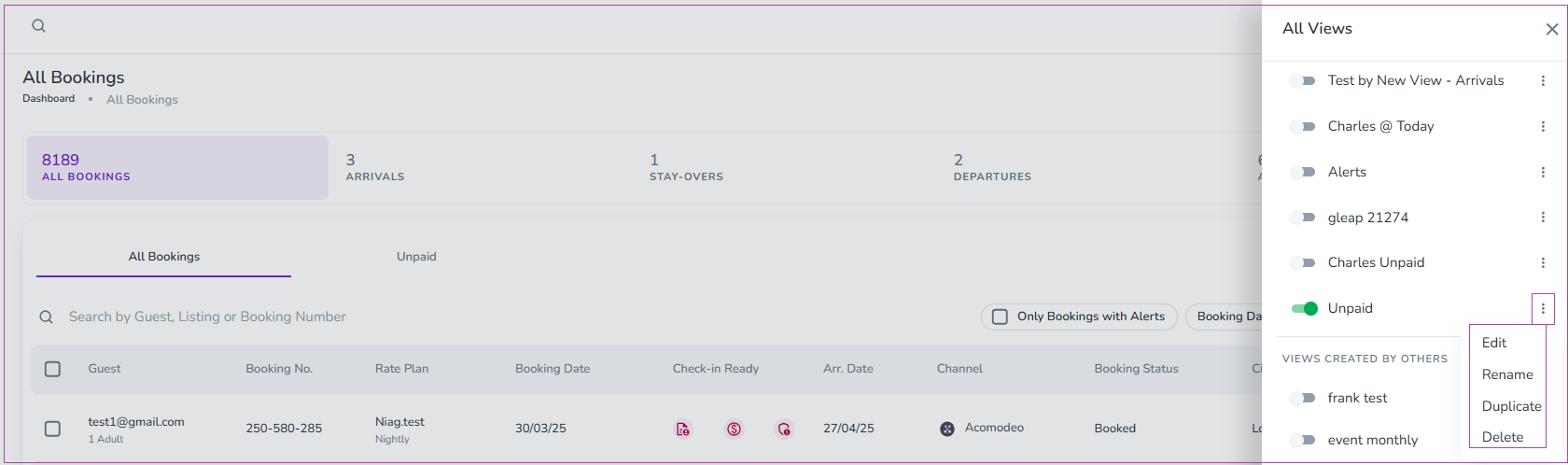
Alternatively, toggle Unpaid in the All Views section.
Note that you can click three dots to select Edit, Rename, Duplicate, or Delete your view.