Switch Zeevou’s language in seconds: Tap the three-dot menu → Change Language and select your preferred option (e.g., German). Perfect for multilingual teams and international guests!
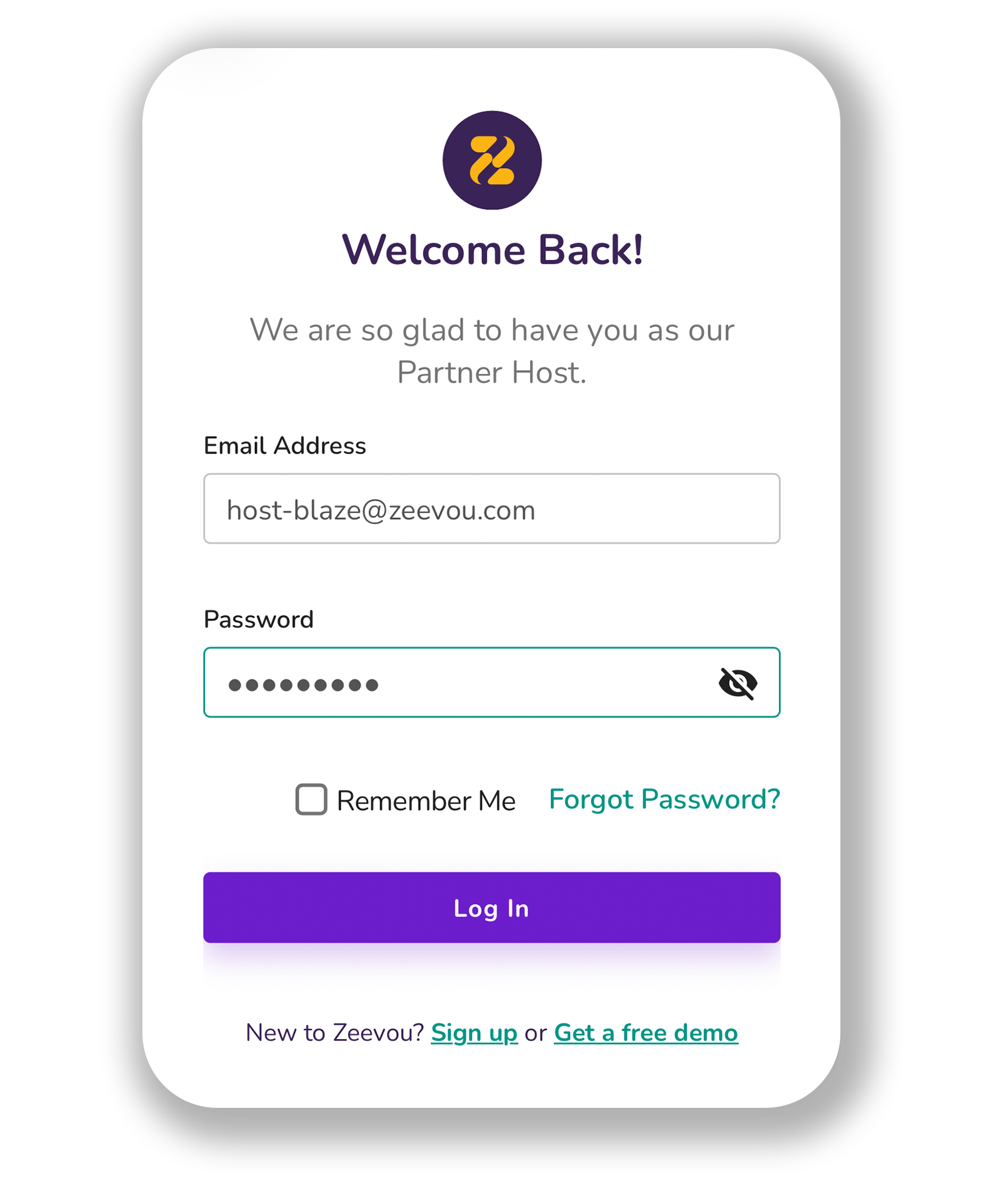
In order to change the language, first log into Zeevou App using your Email and Password.
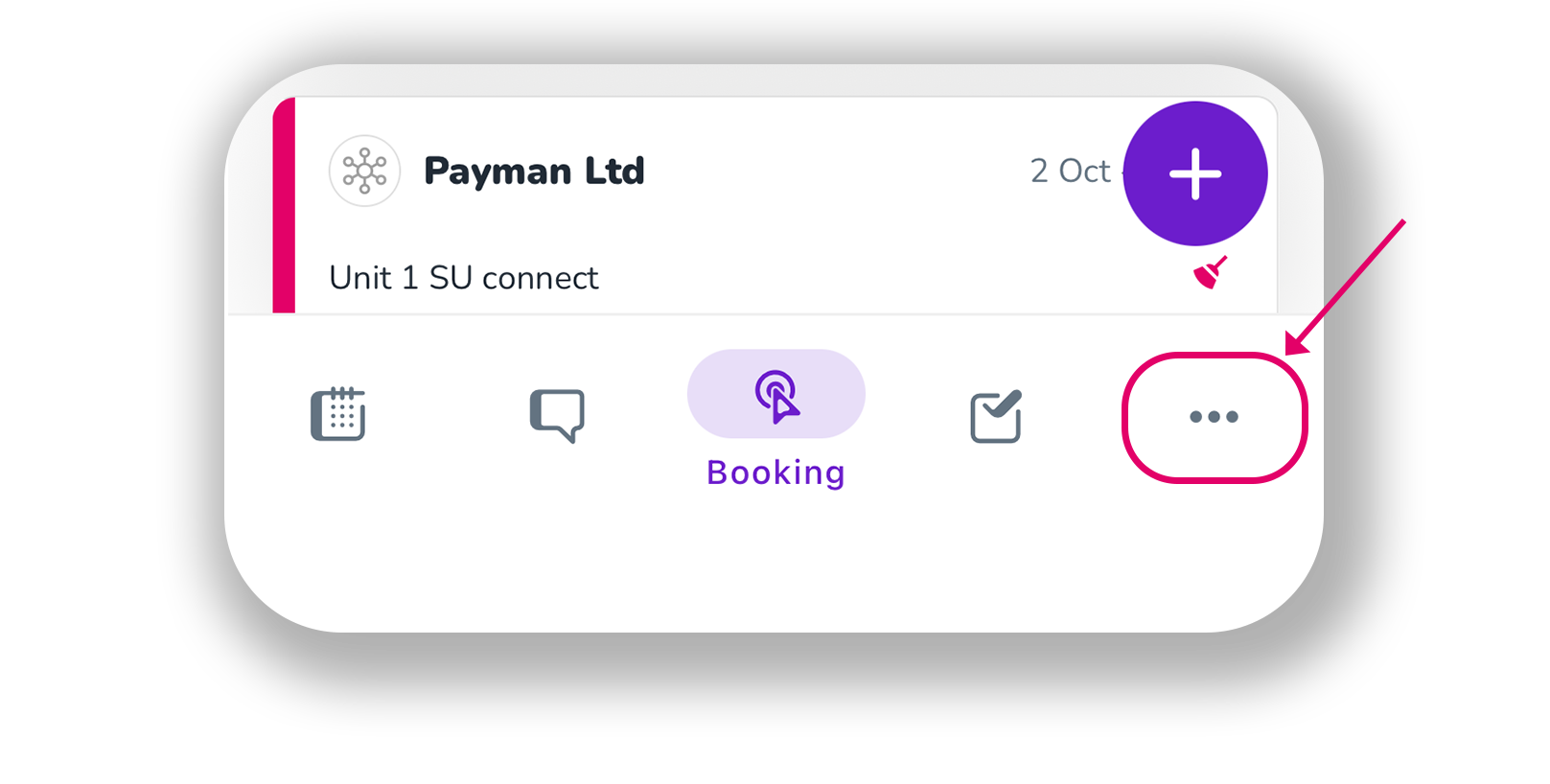
Then, click three dots on the right at bottom and go to Menu.
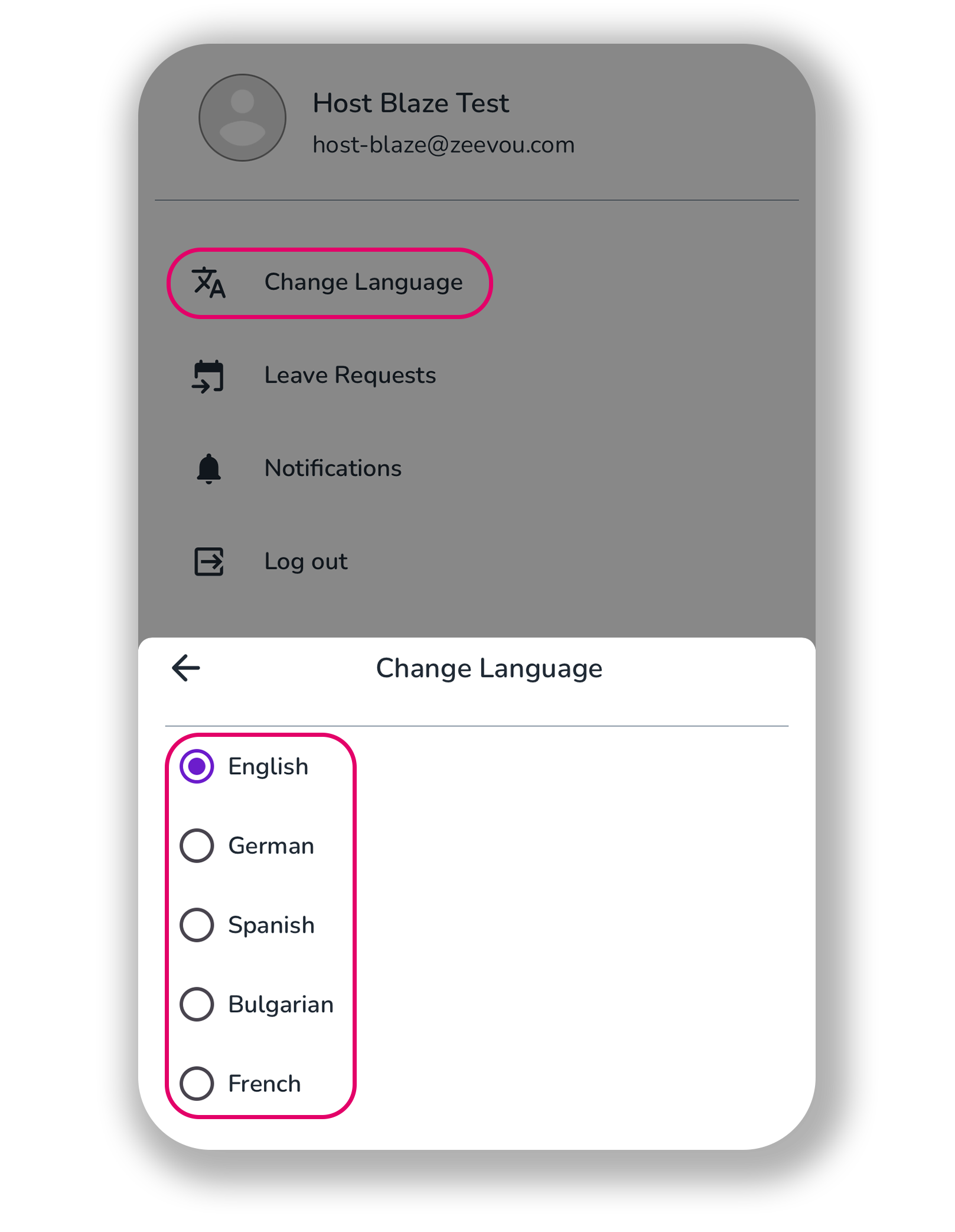
Click Change Language.
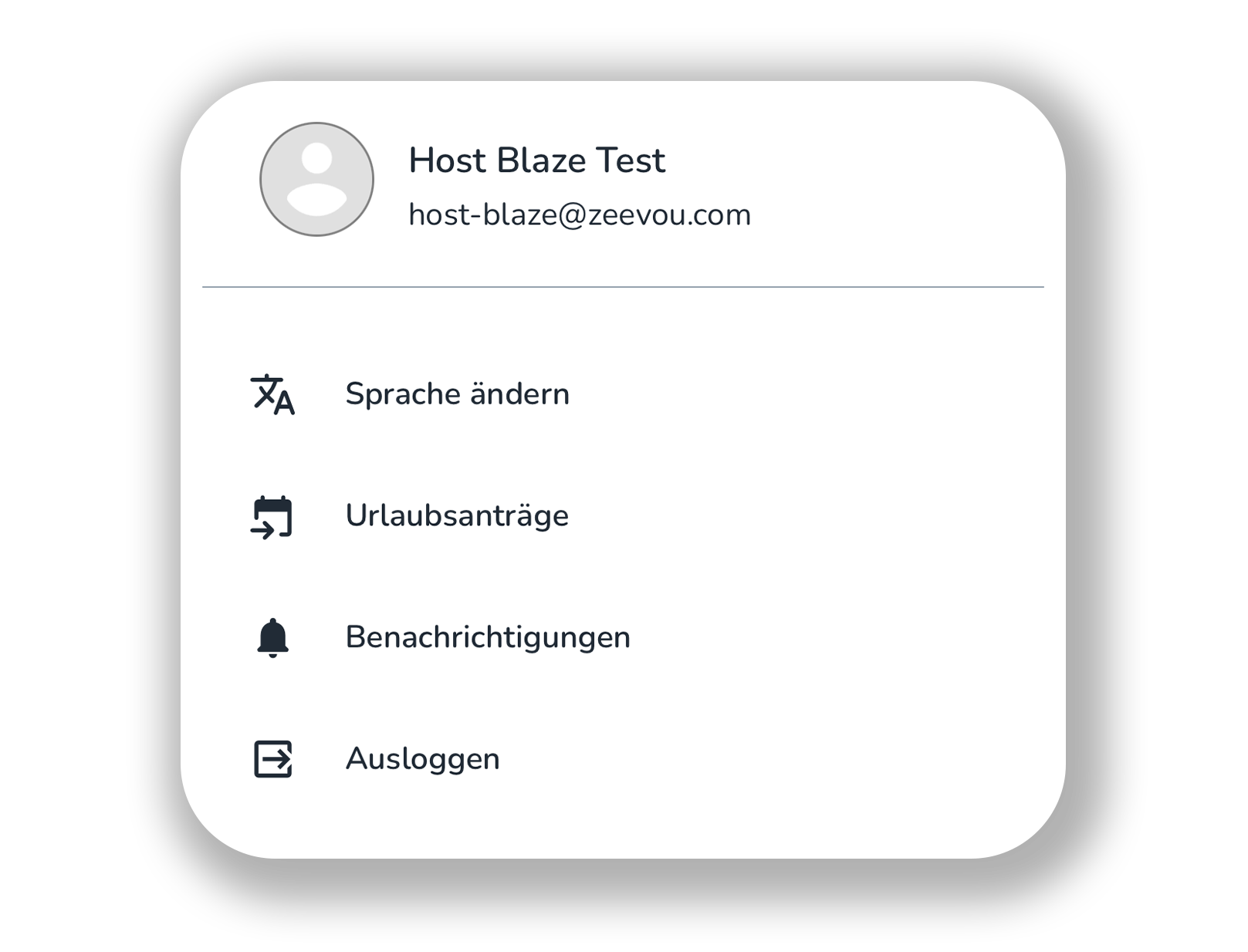
When you click German, the language is switched from English to German.