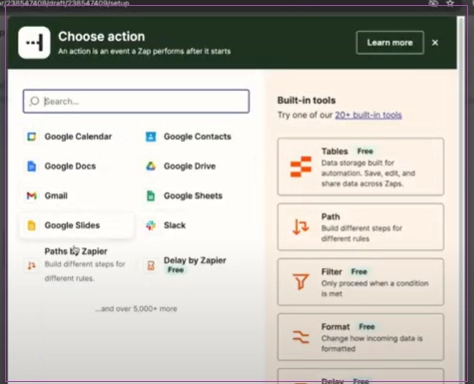
How to link to Zapier:
Step 1: Log in to Zapier.
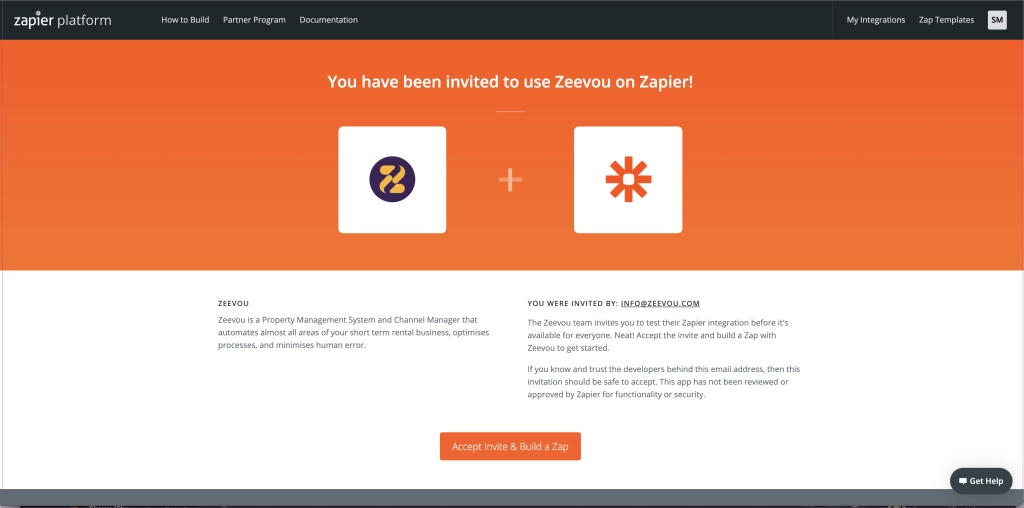
Step 2: Click this link. In the new window click Accept Invite and Build a Zap.
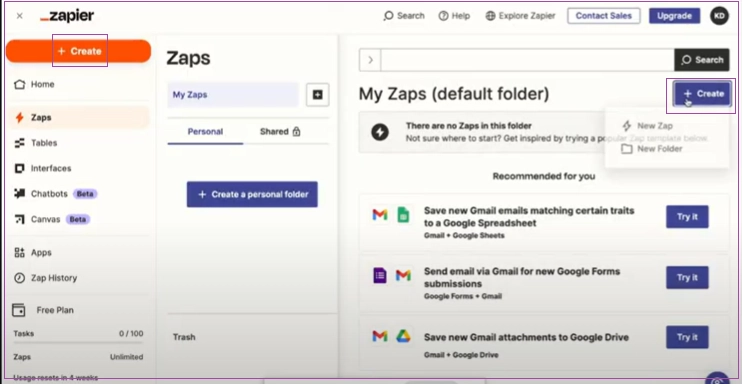
Step 3: Go back to Zapier and refresh the page. You can click + Create to add a new one.
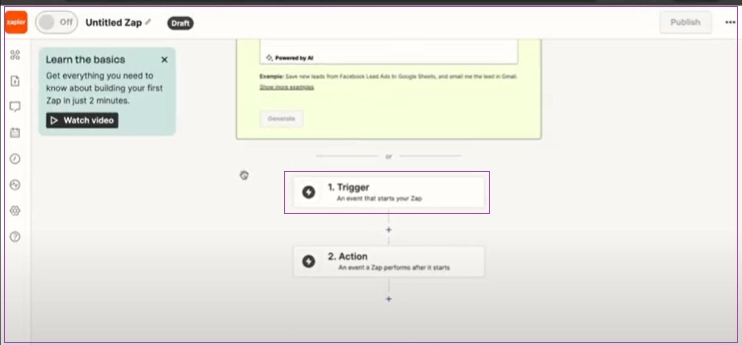
Step 4: On the open page, click Trigger.
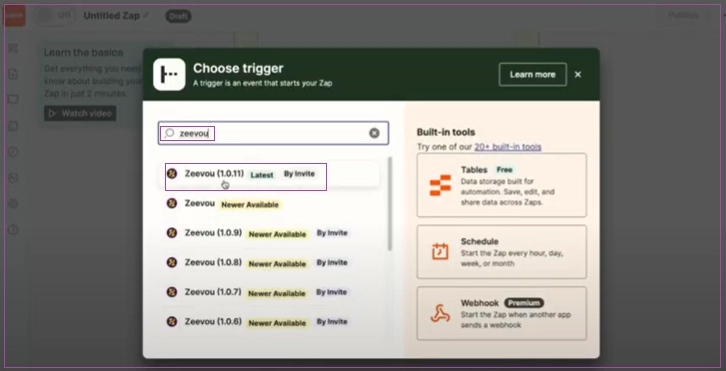
Step 5: In the popped-up window, search for Zeevou and select Zeevou (1.0.11) from the results.
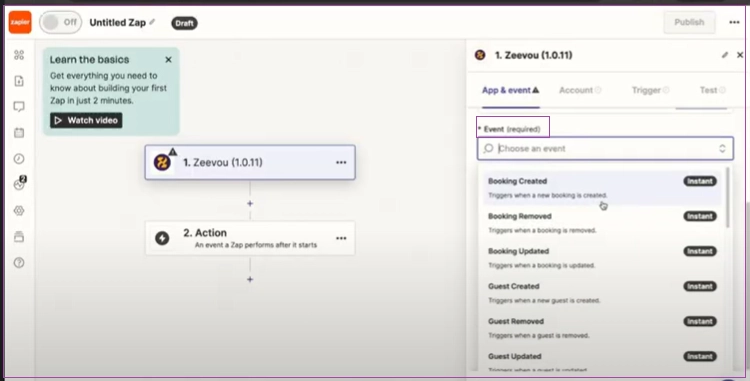
Step 6: Click the Trigger Event and choose the item you want from the drop down.
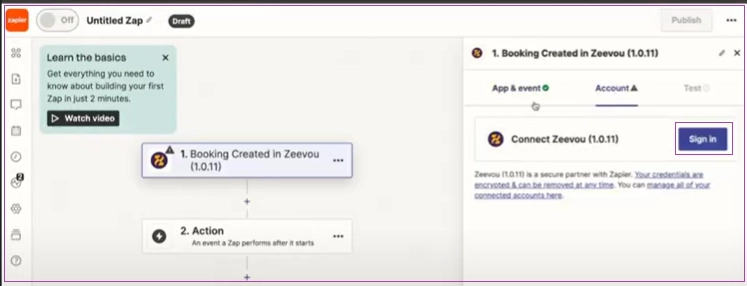
Step 7: Click Sign in to Zeevou (1.0.11).
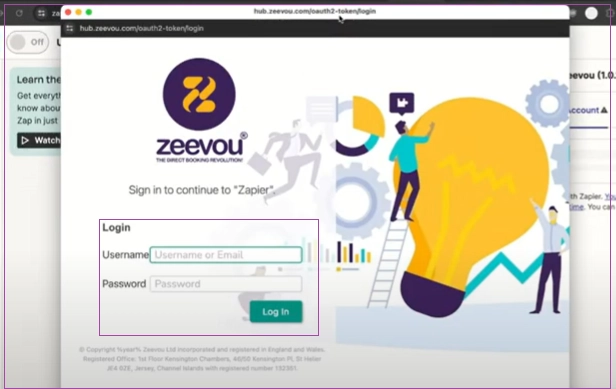
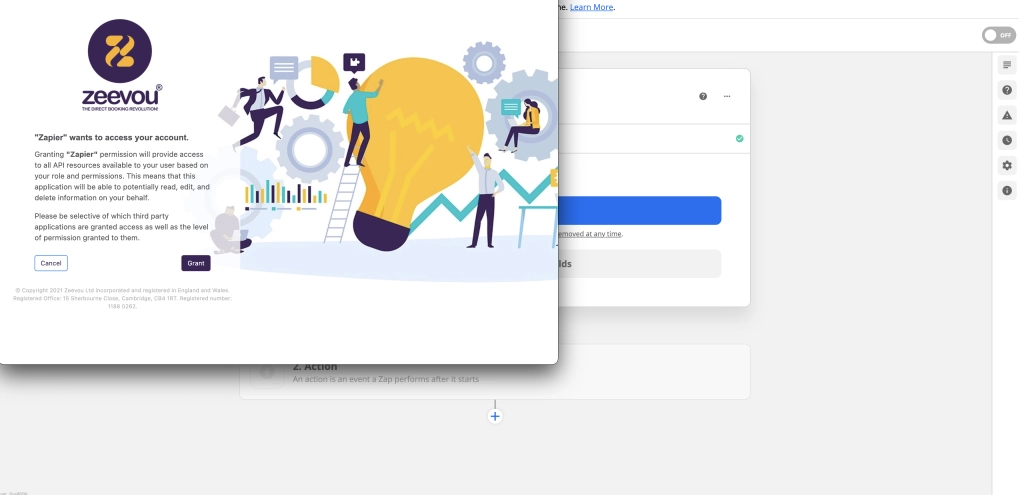
Step 8: In the popped-up window, enter Username and Password to Log in. Then, click Grant.
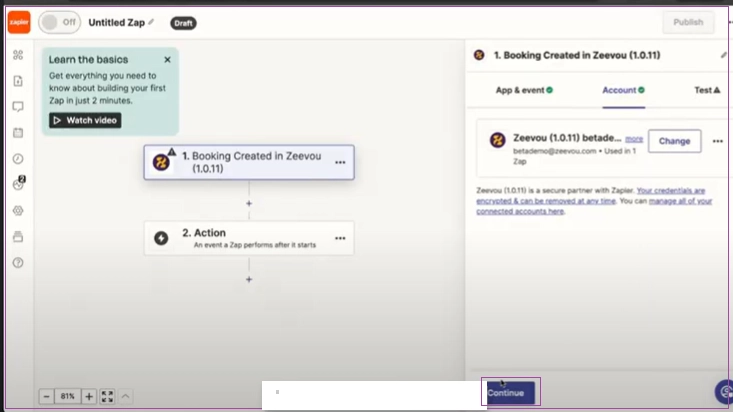
Step 9: Click Continue.
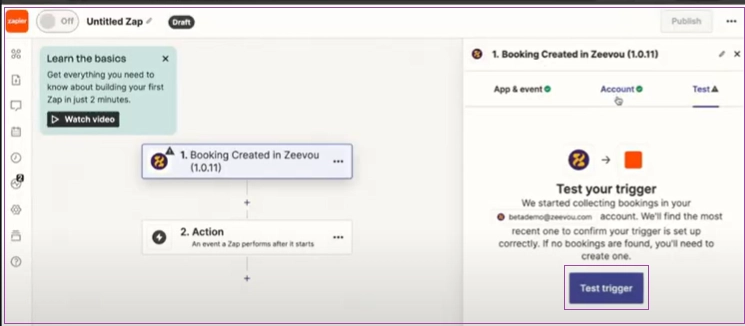
Step 10: Click Test Trigger and when it finishes the test, click on Continue with selected record.
Step 11: Choose the app you want to connect to and continue.