
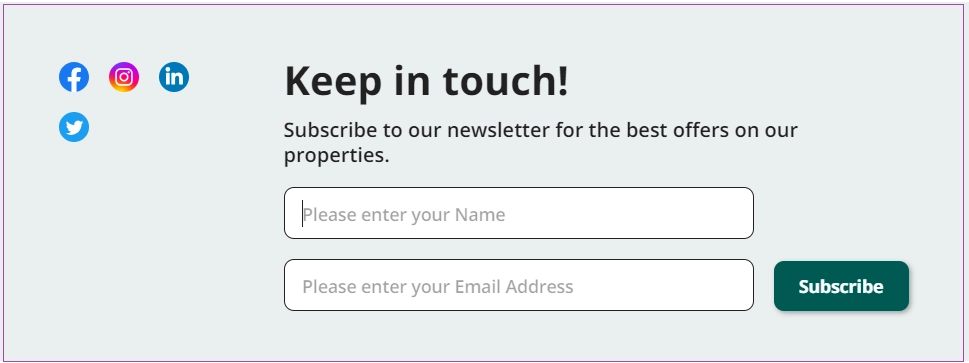
Your Zeevou website includes a default Newsletter section where guests can subscribe by entering their Name and Email Address and clicking Subscribe.
View Subscribers
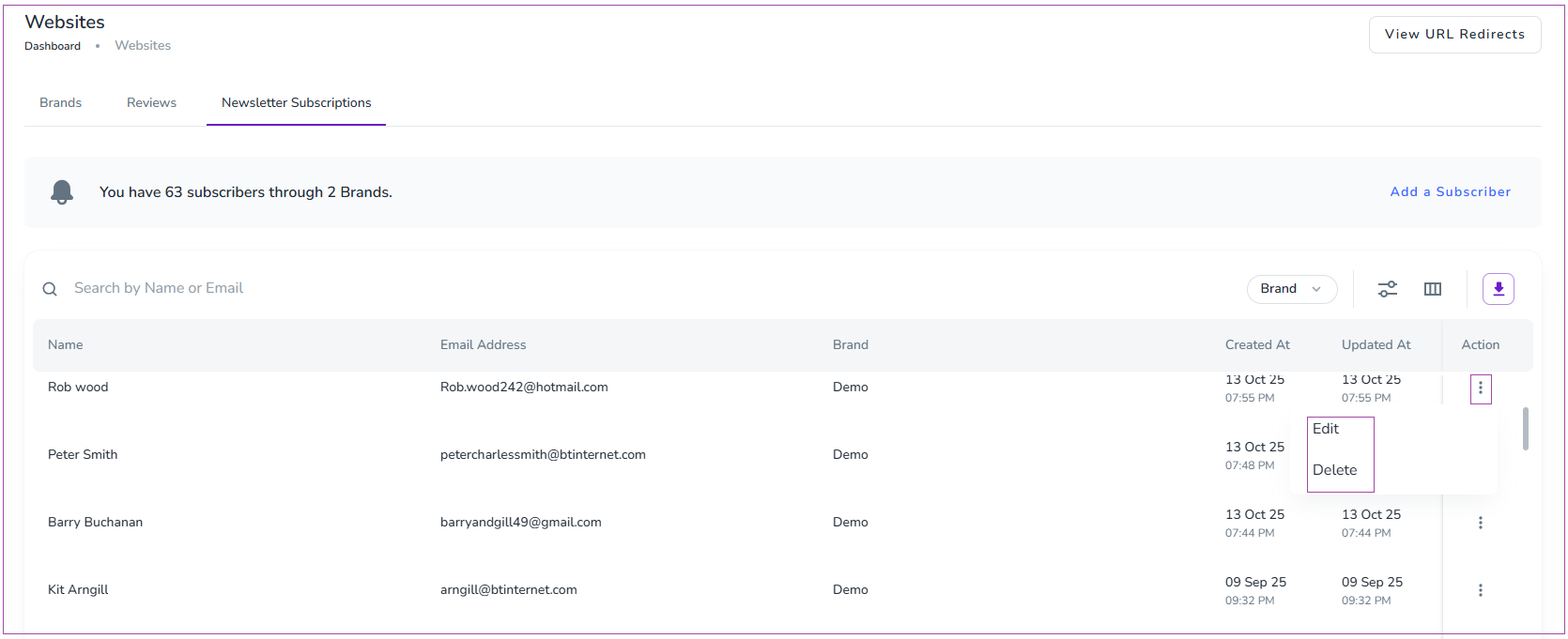
Go to Websites → Newsletter Subscriptions on the dashboard.
You can see all subscribers in the list.
Click the three dots next to each subscriber to Edit or Delete their details.
Add Subscribers Manually
As a host, you can also add subscribers yourself:
Go to Websites → Newsletter Subscriptions.
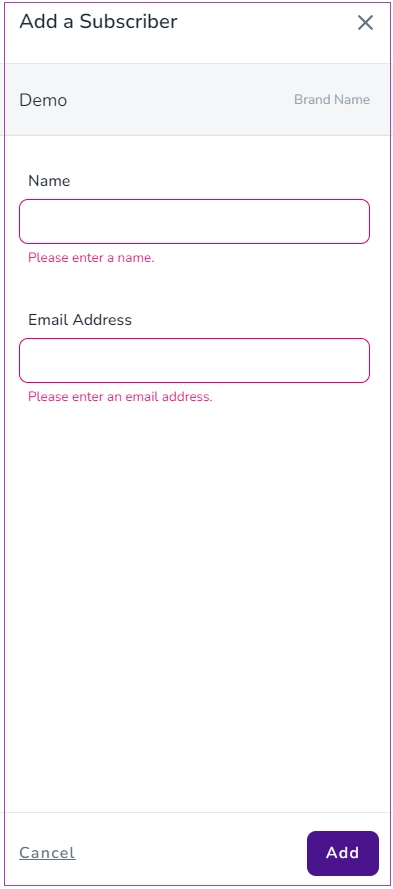
Click Add a Subscriber.
In the drawer that appears, enter:
Name
Email Address
Click Add to save.
This ensures your newsletter list stays up-to-date and includes both guest sign-ups and manually added contacts.