Step1: Sign in to your Google Analytics account.
NOTE: If you do not have Google Analytics account, you may find below link helpful:
https://support.google.com/tagmanager/answer/6103696?hl=en
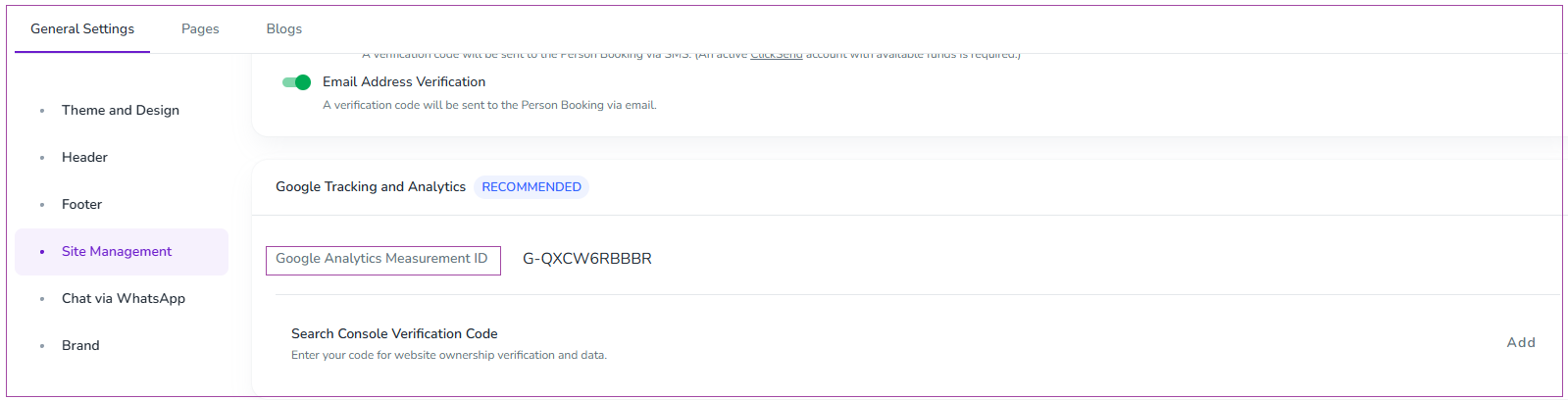
Step 2: Go to Websites -> Website Settings -> General Settings ->Site Management tab-> Google Tracking and Analytics card and paste Container ID in Google Analytics Measurement ID box.
Step 3: Click Save.