You can create a Website Display Name for your properties' rate plans on the app.zeevou.com to make it clear or attractive for guests. In order to set a Website Display Name for a rate plan go to Listings -> Unit Types -> Pricing & Availability tab->Rate Plans card. Then click on the View/Edit Details of the target rate plan to open it.
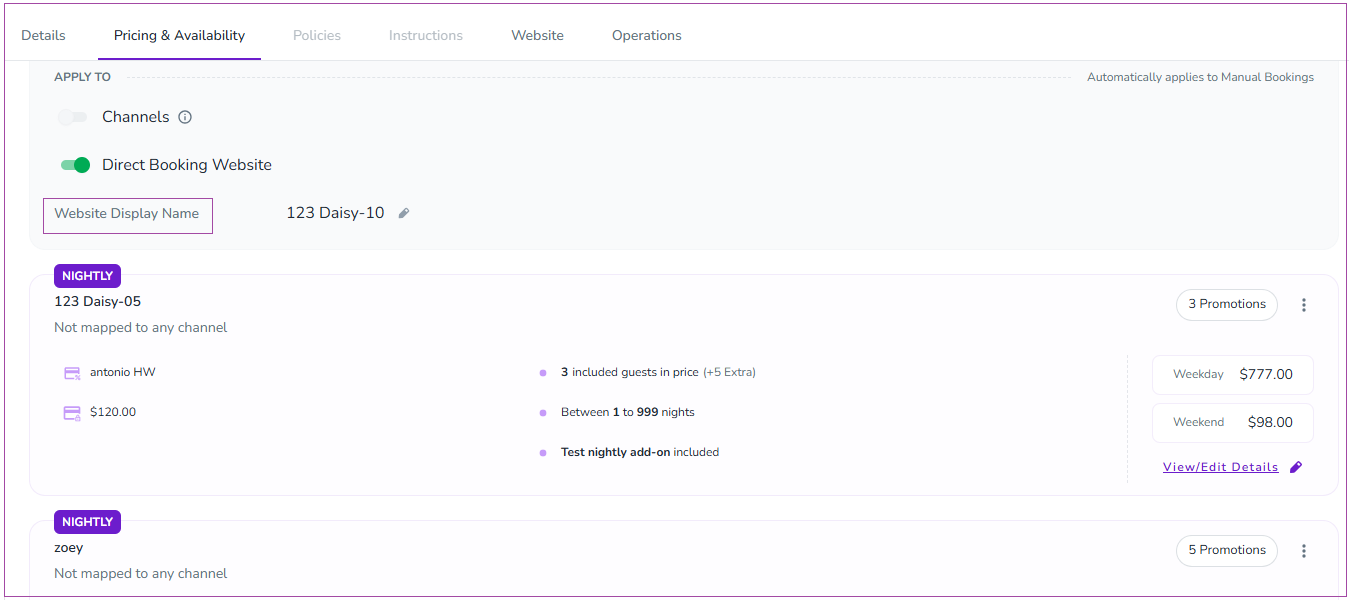
After you open the View/Edit Details, you can type down the preferred Website Display Name and Save & Close. The Website Display Name will be shown to the guests on the website.
Note that you can click on the pencil in front of the Website Display Name to edit it.
