Navigate to Listings on the main menu
Click on the More arrow on the top right
Click on Upsell List.
To do so, click on its box, then a drawer opens in which you enter Label and Website Display Name, select Category, Sales Price, Associated Cost, the associated Unit Type Currency. Expense Type, Description and Add Image are optional. Finally, click on Create.

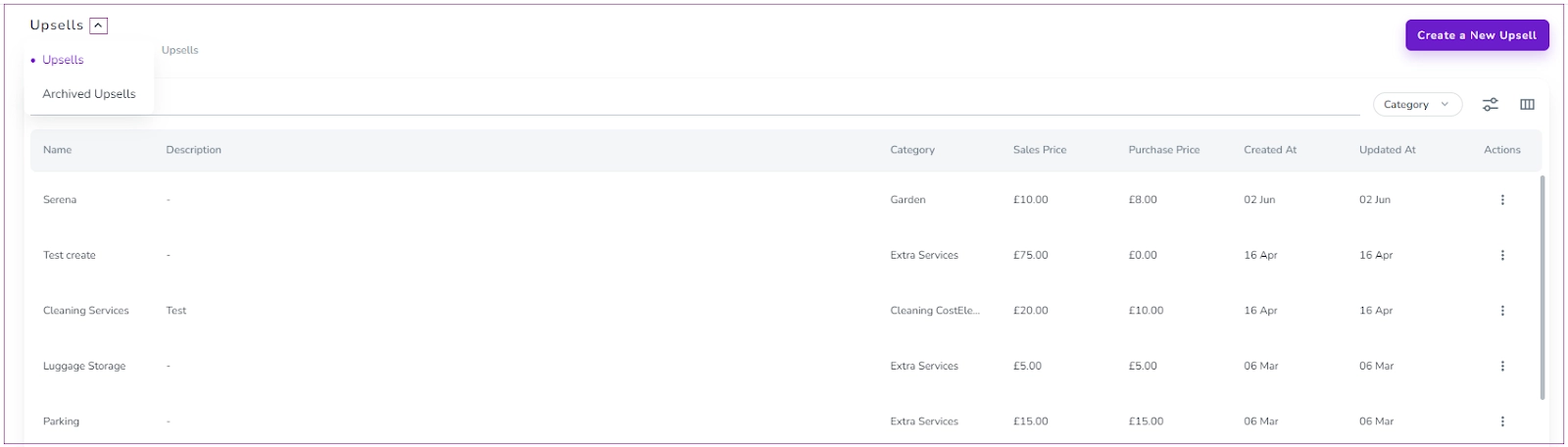
On the open page, you can view Upsells or Archived Upsells. You can click on the three dots to Edit or Delete each upsell while you can only view the Archived Upsells.