Learn to manage your guest database. This guide covers adding, viewing, archiving, and exporting profiles for both Individual and Company guests. A vital how-to for users on our Glow or Blaze plans.
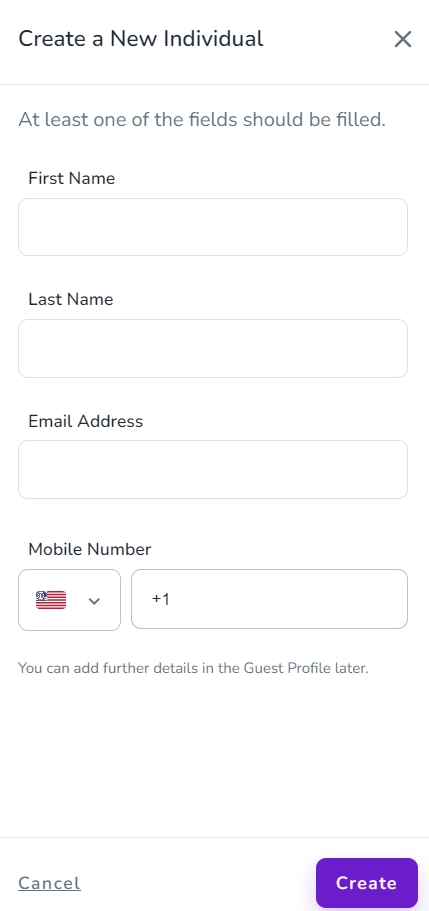
To add a Guest as Individuals, go to Guests -> Individuals and click on Add an Individual. Then, a drawer will appear in which you should fill at least one field and click on Create.